Text To material
Text-to-material service that turns a fabric prompt into a full PBR material. I led fabric capture and the code that builds PBR maps matching each generated diffuse map, built the scan-to-PBR and reverse-rendering data workflow, and ran QA, UX research and launch content.
About the project
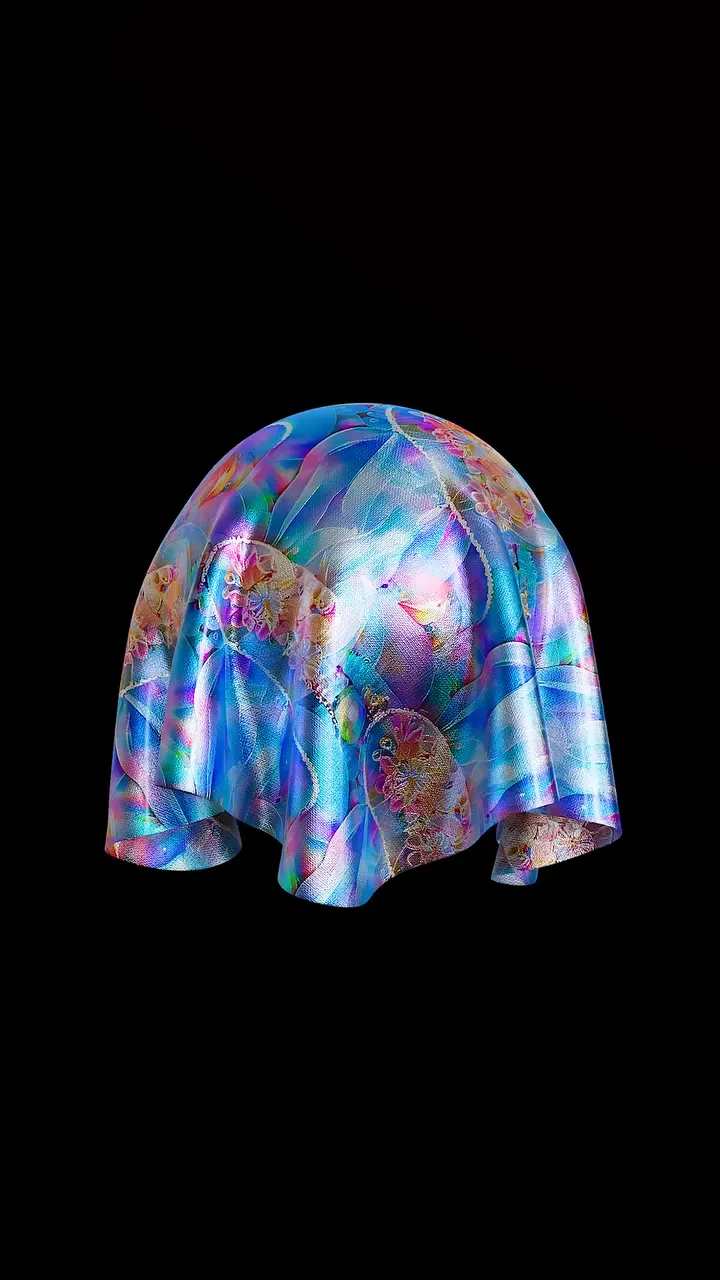
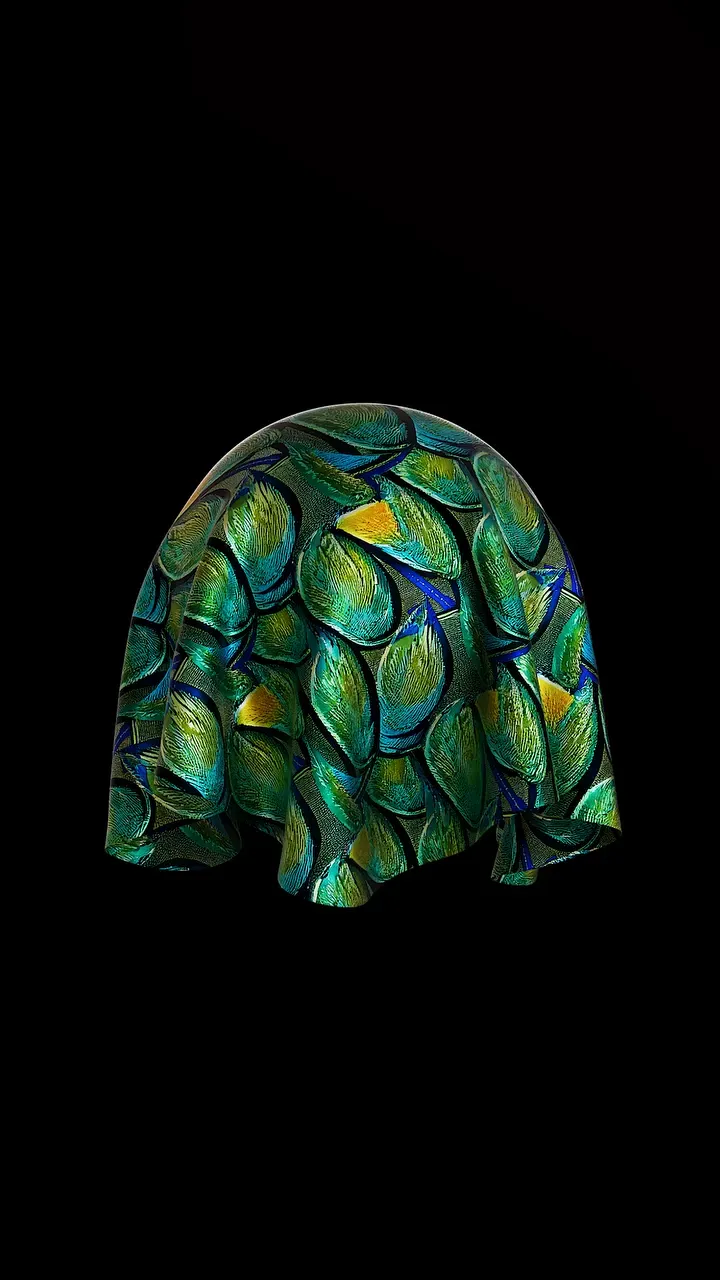
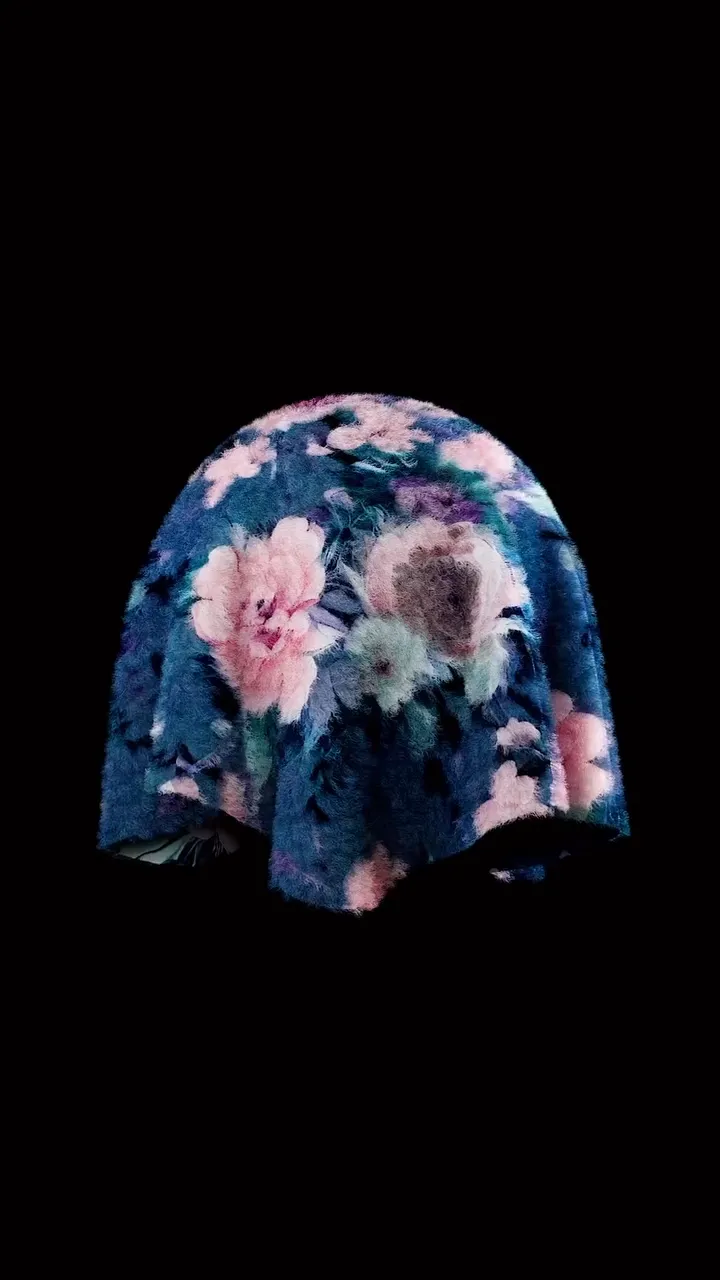
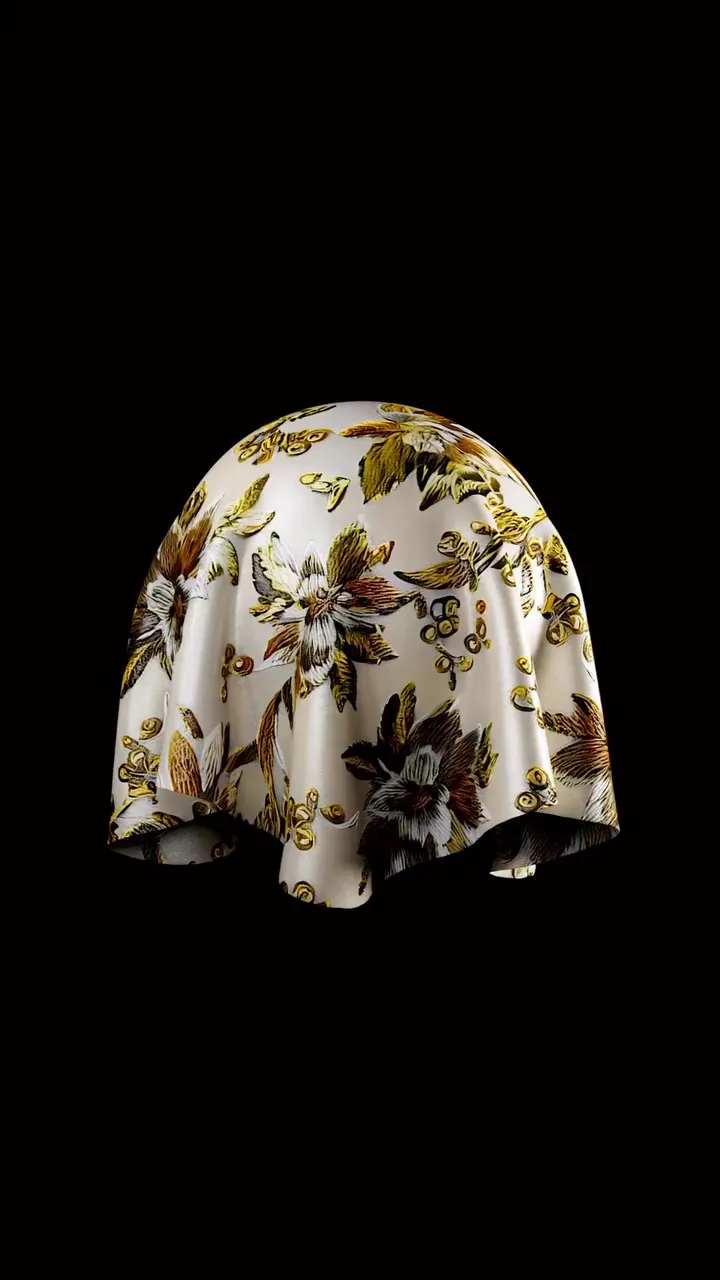
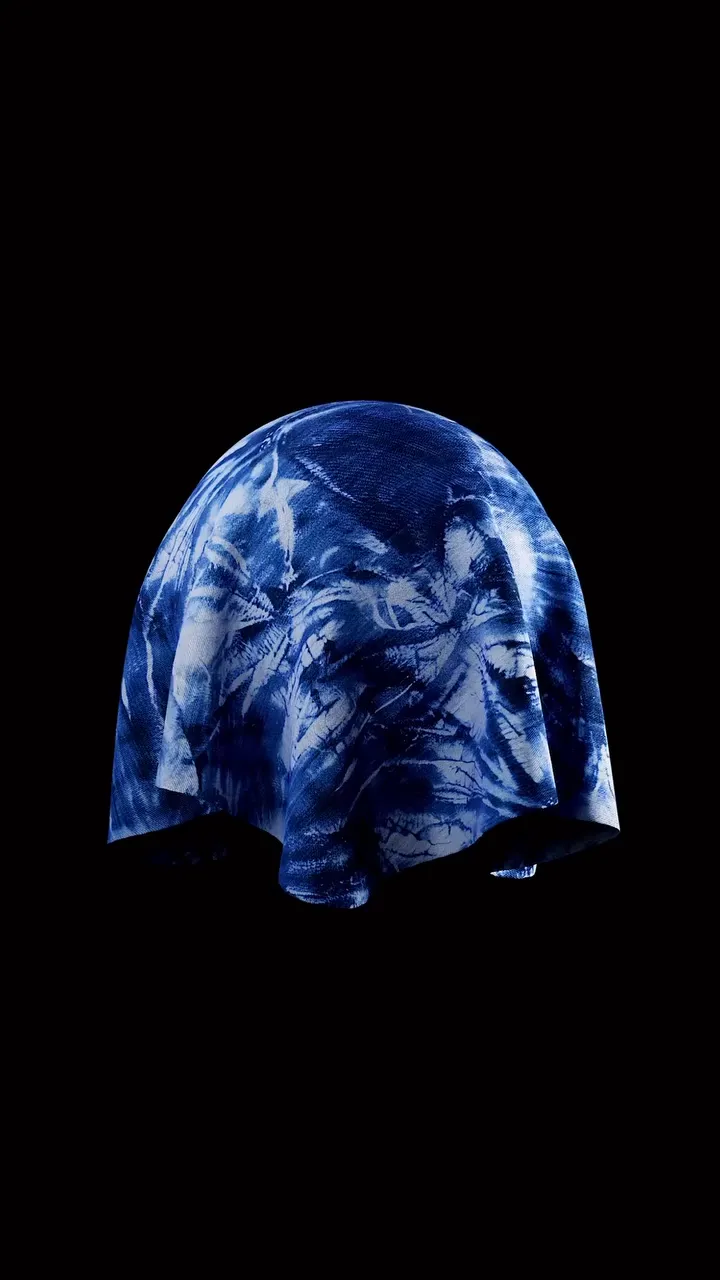
Text to Material is a SwatchOn service that turns a written description of a fabric into a full PBR material. A Stable Diffusion-based model generates the fabric’s diffuse map, normal, roughness, metallic and displacement maps that match it are added, and the result is shown as a 3D fabric in a Three.js web view.
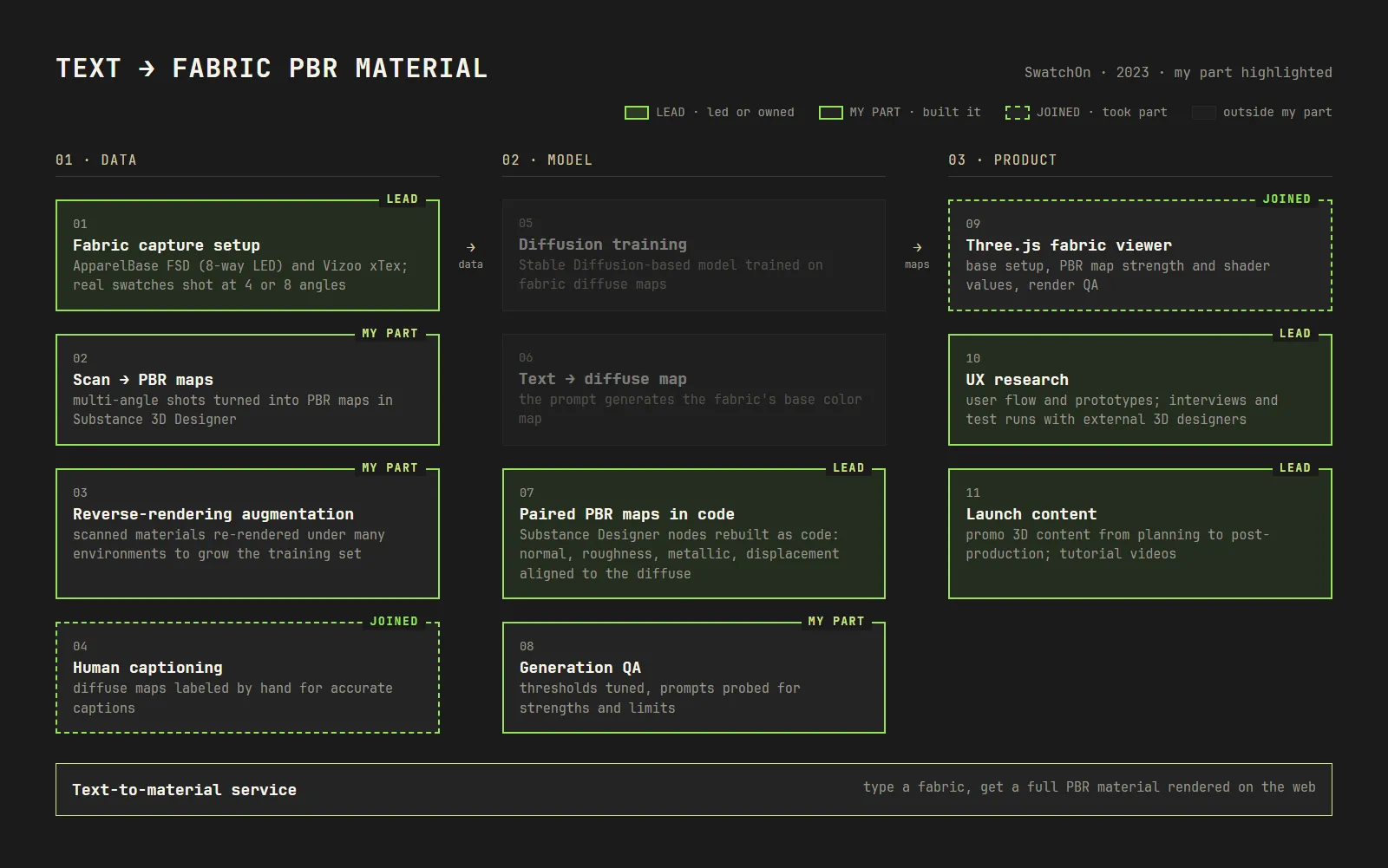
I worked across the product, from building training data out of real fabrics to PBR map generation, output QA, user research and promotional content. The first diagram in the gallery below marks the steps I led or built within the whole process.
1. Digitizing real fabrics
- Led the fabric capture setup. Real fabric swatches were shot at 4 or 8 angles with ApparelBase’s FSD (Fabric Scan Device, 8-direction LED lighting) and Vizoo xTex scanners.
- Built the workflow from captured fabric to PBR maps. Learned the basics of turning multi-angle shots into materials from Adobe’s official tutorial, then produced PBR maps for each fabric in Substance 3D Designer.
2. Building the training data
- Grew the training data with reverse rendering. Proposed and implemented an augmentation method that renders the digitized fabrics (multi-angle capture, Substance, PBR maps) under many environment lights. One fabric now yields many training images, which made data creation far more efficient.
- Used the diffuse maps as training data for the diffusion model. Labeling (captioning) was done by hand to keep captions accurate, and I took part in it.
3. PBR maps that match the diffuse map
I came up with this approach and led its build.
- Problem: When the model also inferred normal, roughness, metallic and displacement maps, they sometimes did not line up with the diffuse map.
- Solution: Instead of getting every map from one diffusion model, I rebuilt the function nodes of Substance Designer, a tool 3D designers already use every day, as code. The PBR maps are derived from the generated diffuse map, so they always line up with it.
4. QA and rendering
- Reviewed the generated output. Checked Stable Diffusion-based results while tuning thresholds, and varied prompts to map the model’s strengths and limits and set directions for improvement.
- Took part in the Three.js fabric renderer. Helped build its foundation, tuned PBR map strength and shader values for render quality, and joined render QA.
5. User experience and content
- Planned the user flow and proposed UI/UX through prototypes.
- Planned and ran tests with external 3D designers. Invited outside 3D designers for interviews and test runs to improve the UI/UX.
- Owned the promotional 3D content. Handled everything from planning and design to post-production, and planned and produced tutorial videos and their text for user onboarding.
gallery (6) · video (1)
Product pipeline · my part highlighted
Generative AI demo
Generated PBR fabrics